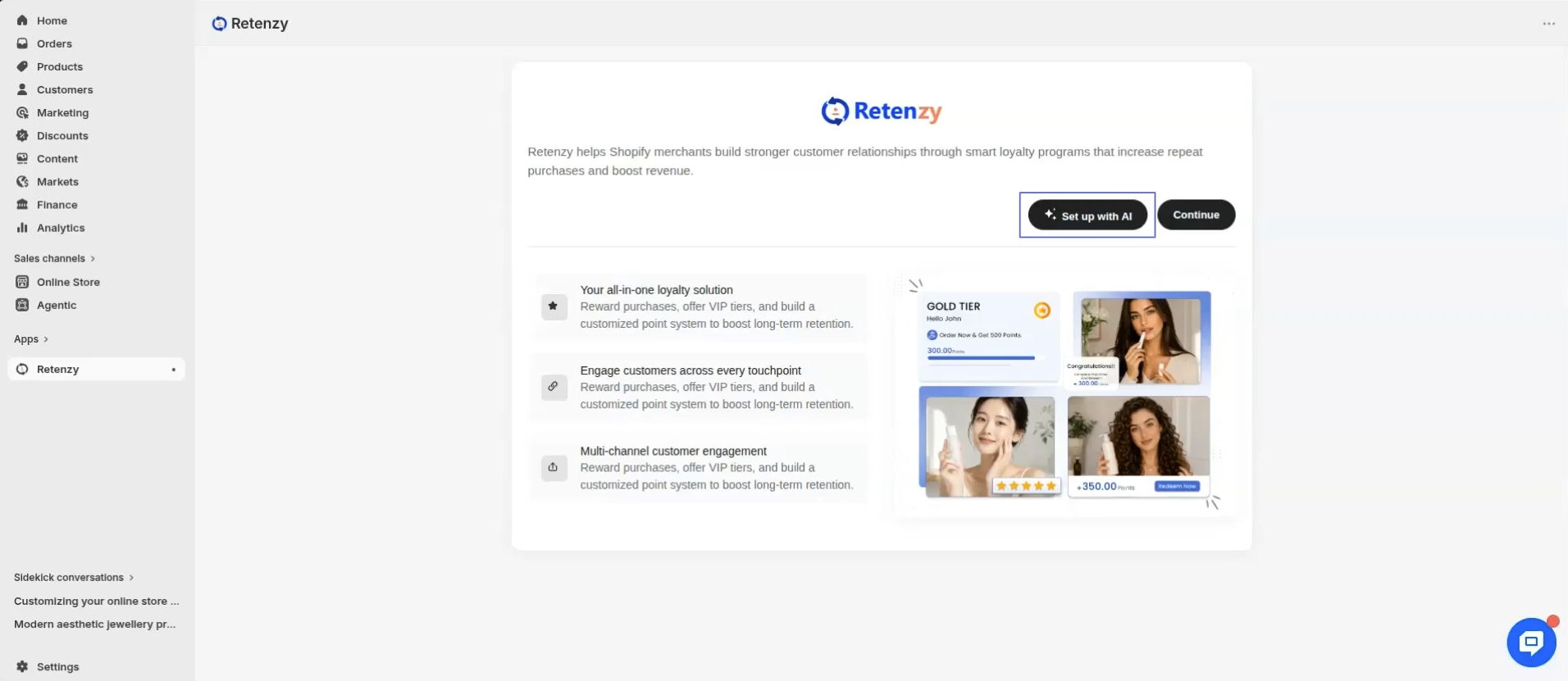
Step 1: Click "Setup with AI"
Click the Setup with AI button to begin.
Step 2: Let AI Analyze Your Store
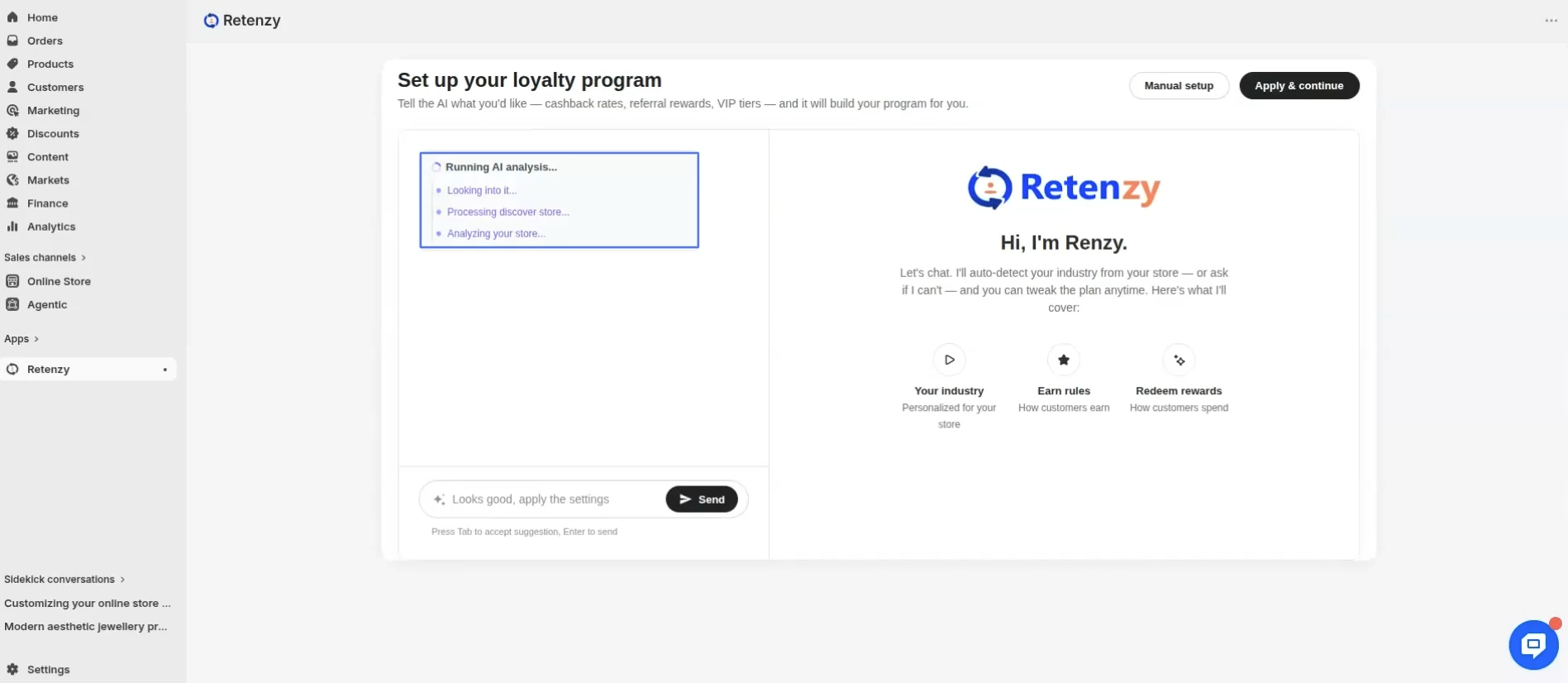
Our AI will automatically analyze your website to:
- Understand your store's theme and branding.
- Identify your product category.
- Learn your brand's style and customer experience.
Step 3: Review the Suggested Product Category
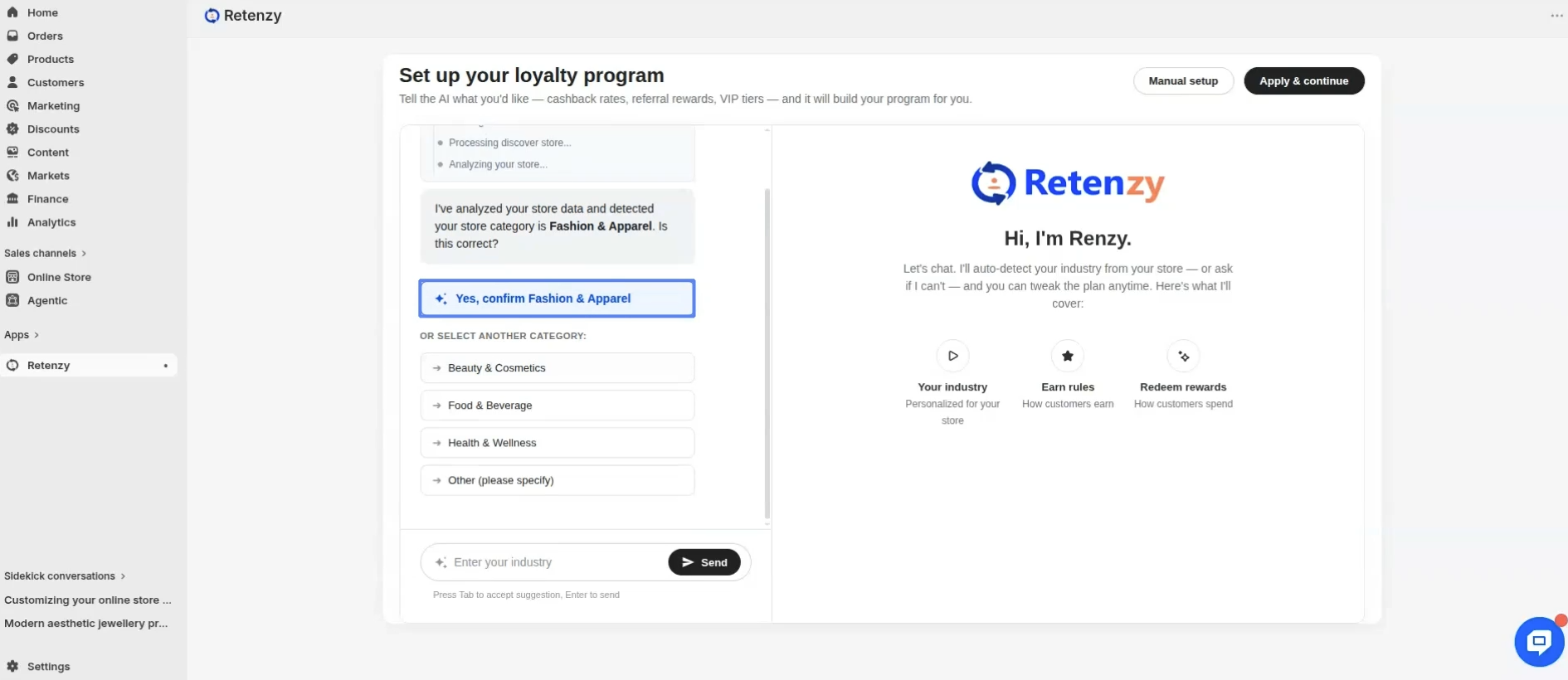
Once the analysis is complete, the AI will suggest the most suitable product category for your store.
Select the suggested category to continue.
Step 4: Review Your AI-Generated Rewards Setup
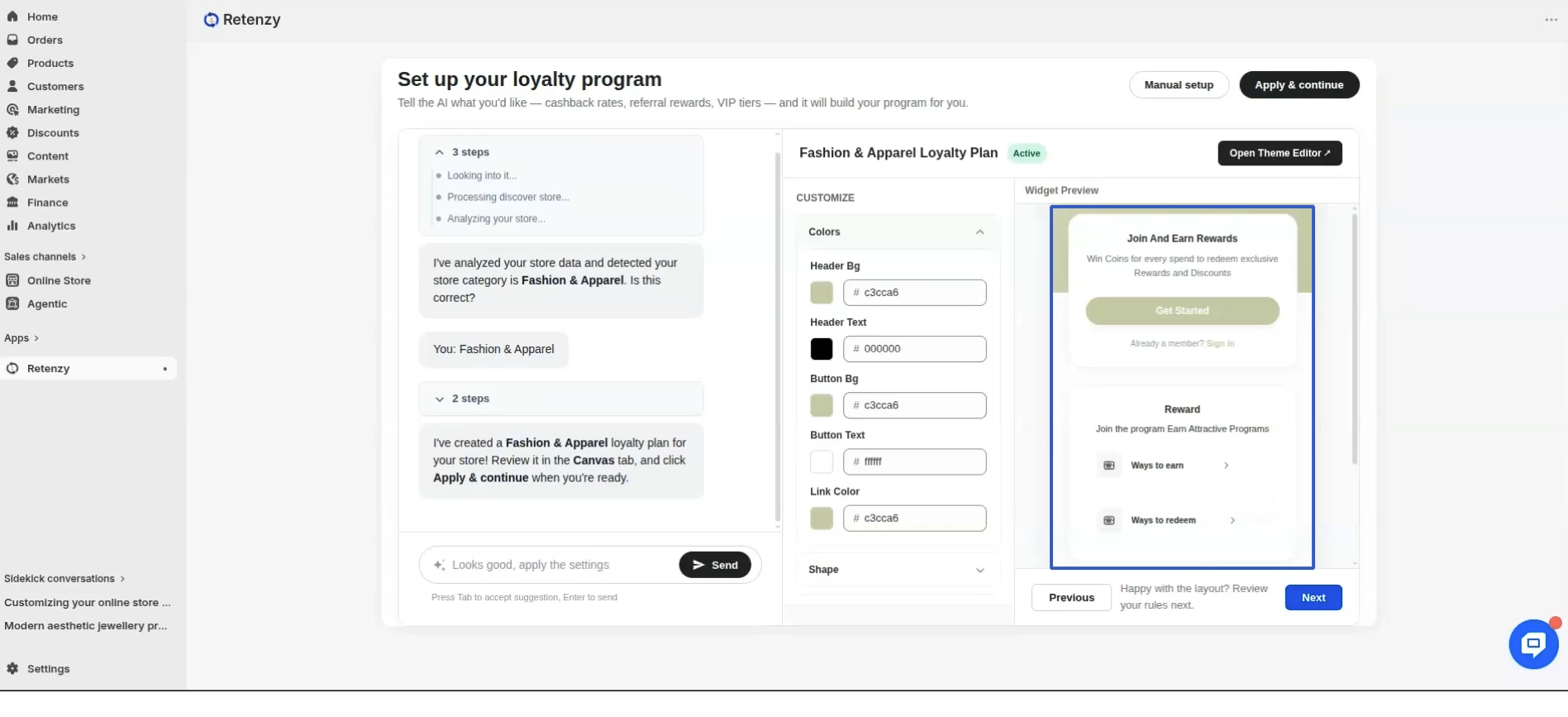
Based on your store, the AI automatically creates a complete loyalty program, including:
- A rewards theme that matches your store's design.
- A personalized loyalty program.
- Points earning rules.
- Reward redemption rules.
- Custom point label.
- A discount code prefix tailored to your store.
Everything is generated to align with your brand and customer experience.
Step 5: Apply the Setup
If you're happy with the generated configuration, click Apply & Continue.
Your AI-powered rewards program is now ready to use!
