Step 1: Open the Retenzy Dashboard
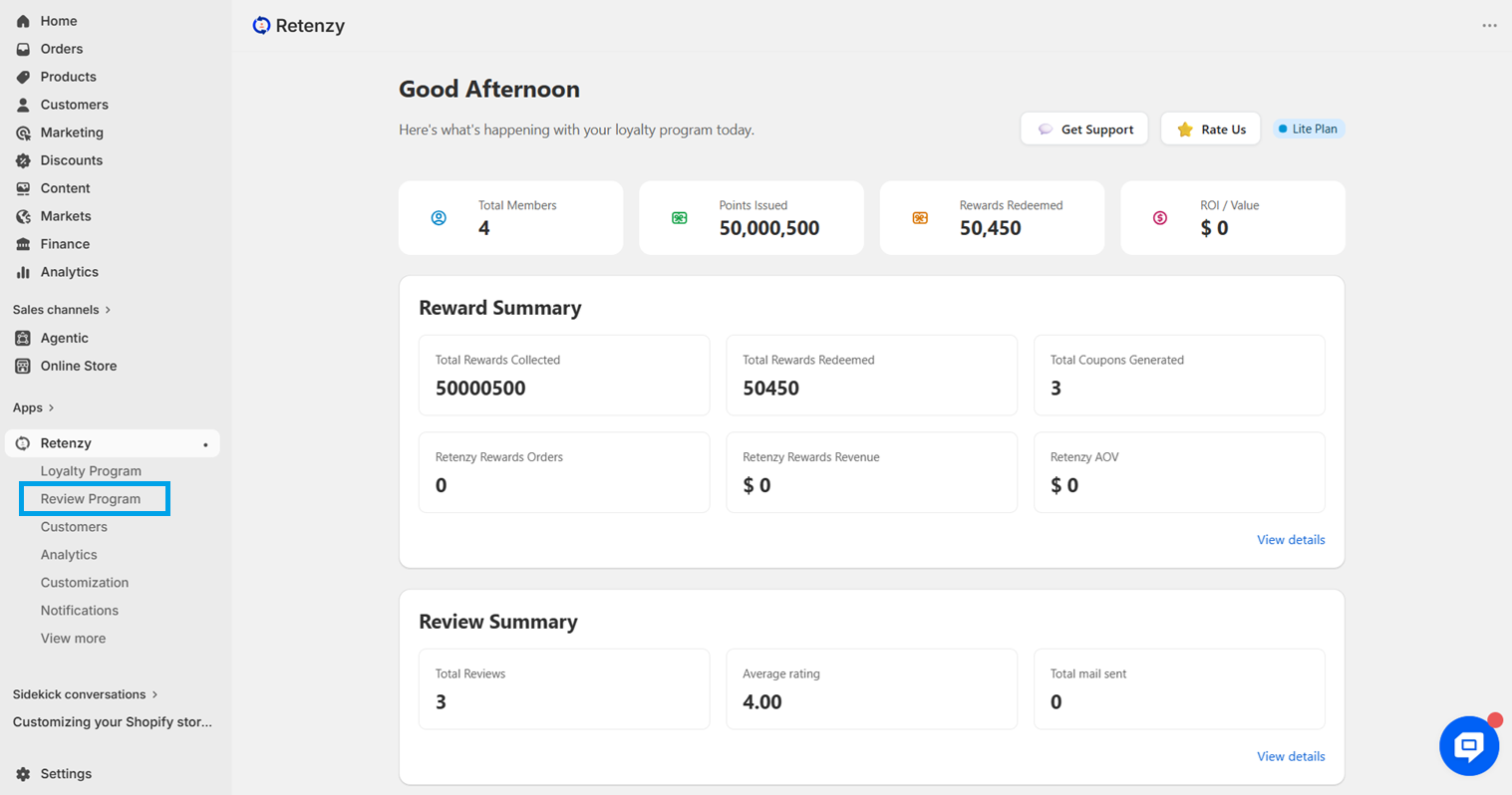
Log in to your Retenzy dashboard to access your store settings.
Step 2: Navigate to the Review Program
From the dashboard, click on Review Program.
Step 3: Navigate to Product Group
-
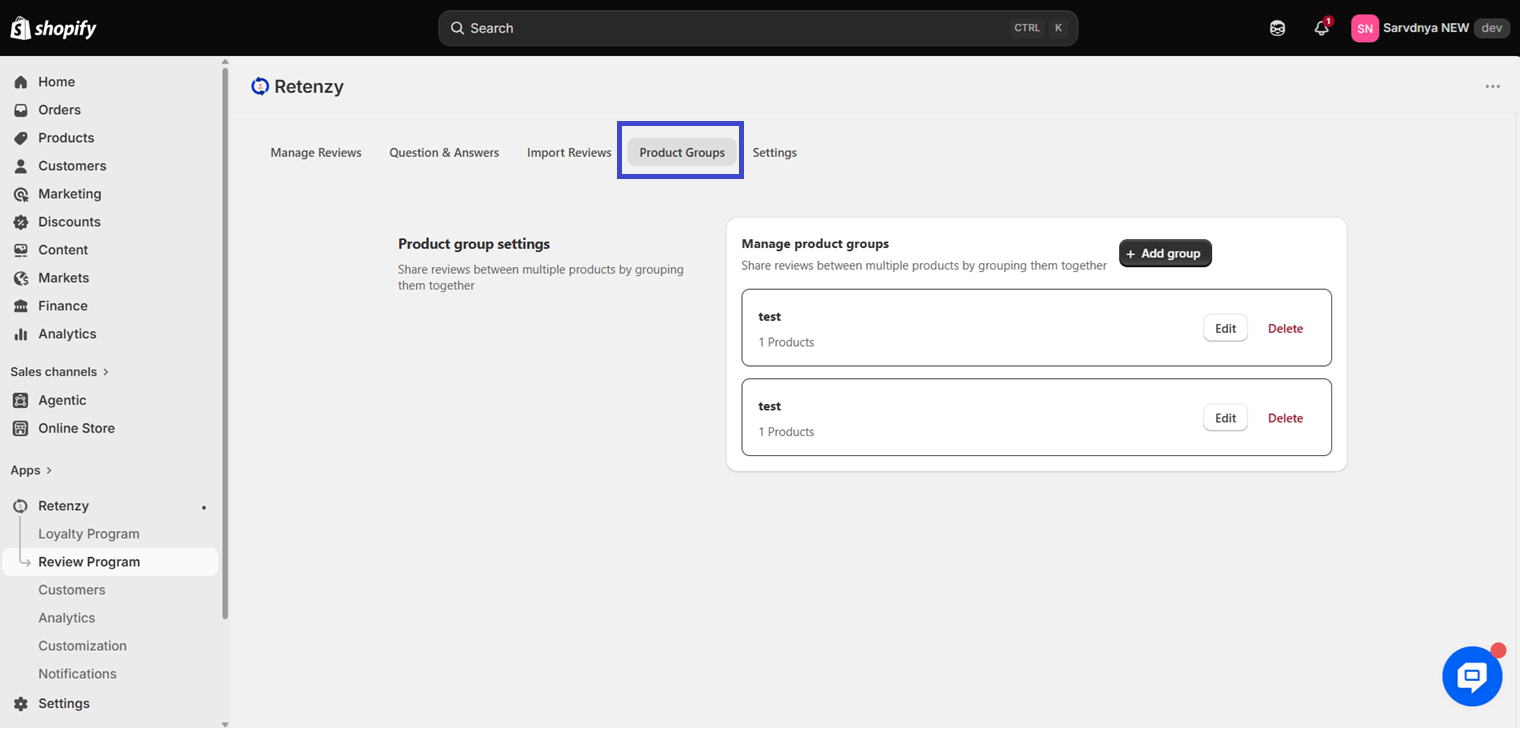
On the Review program, click on Product Group.
Step 4: Create a Group
-
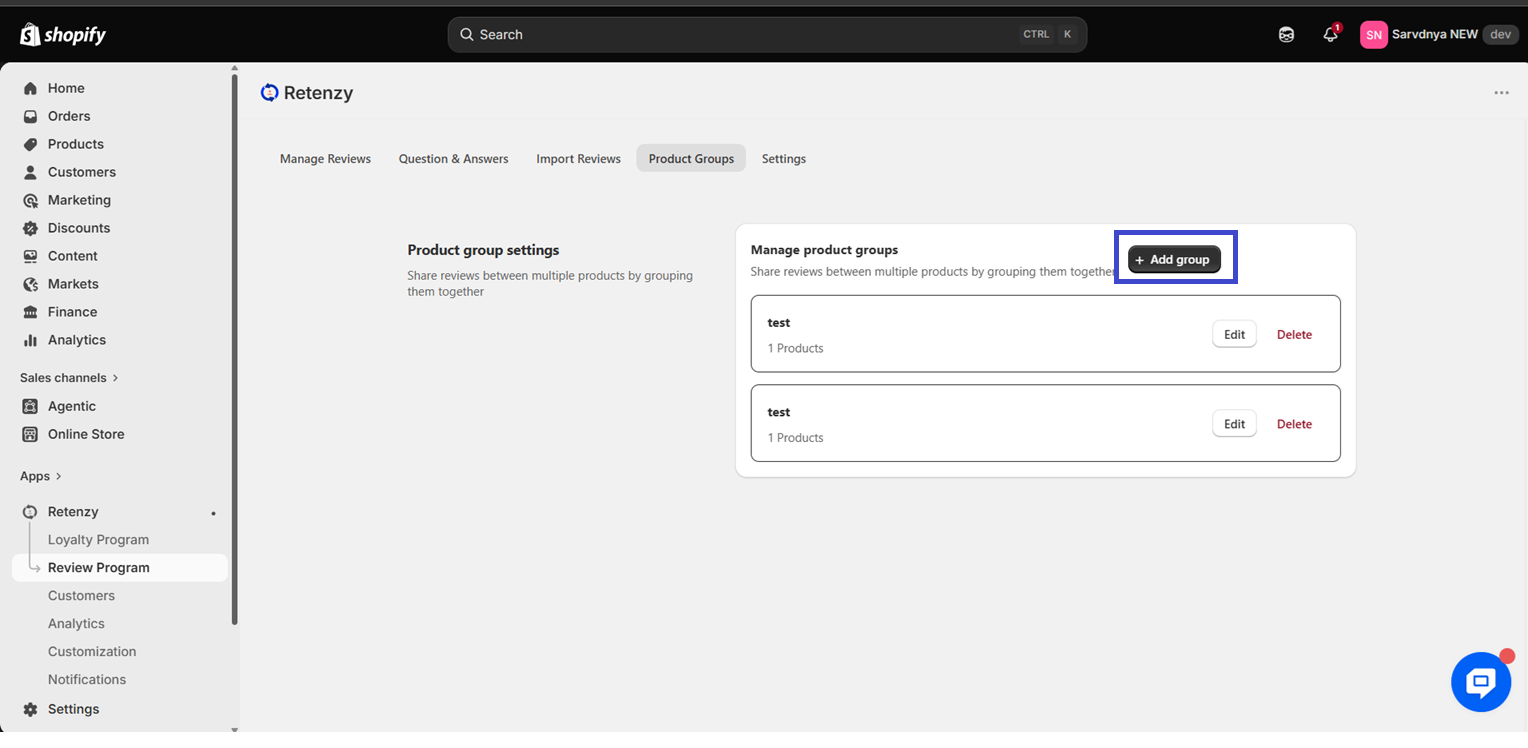
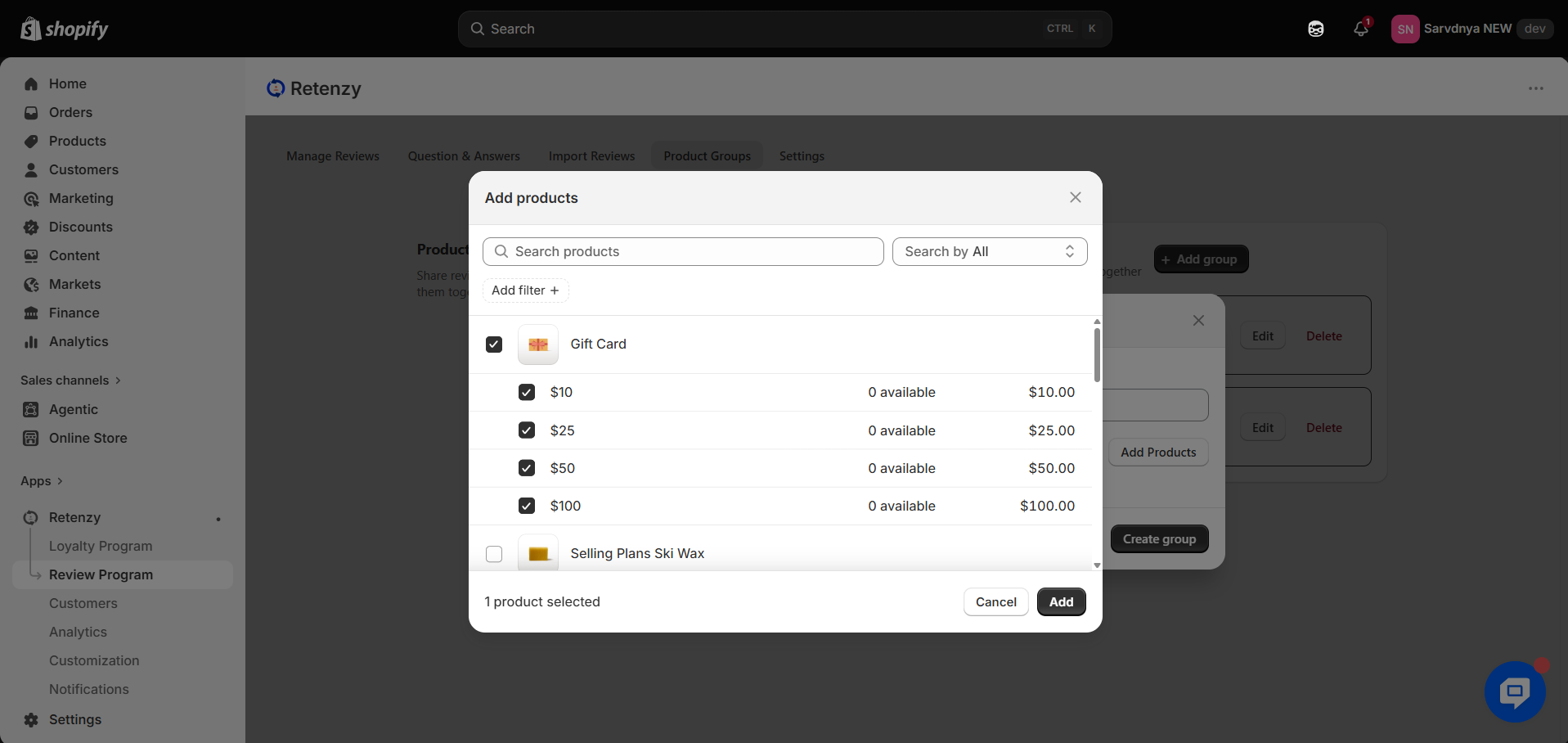
Click on Create Group ⇒ Enter the Group Name ⇒ Add products from the list, or directly add a Collection ⇒ Click on Add to confirm ⇒ The list of selected products will be displayed on the screen ⇒ Finally, click on Create Group.
-
And your new group will appear on the page.