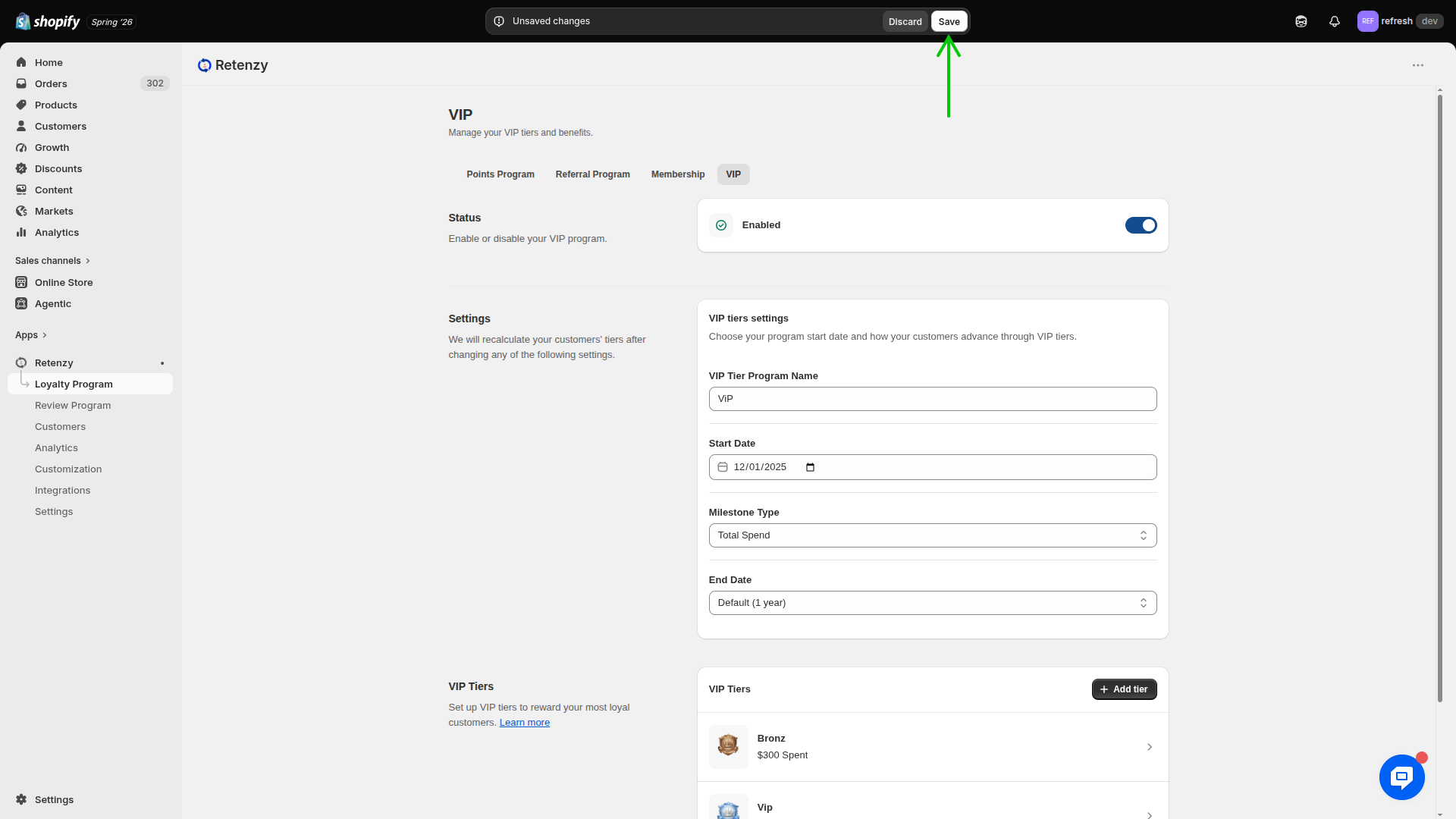
Step 1: Navigate to the Loyalty Program
-
Log in to your Retenzy Dashboard.
-
From the left-hand navigation menu, click Loyalty Program.
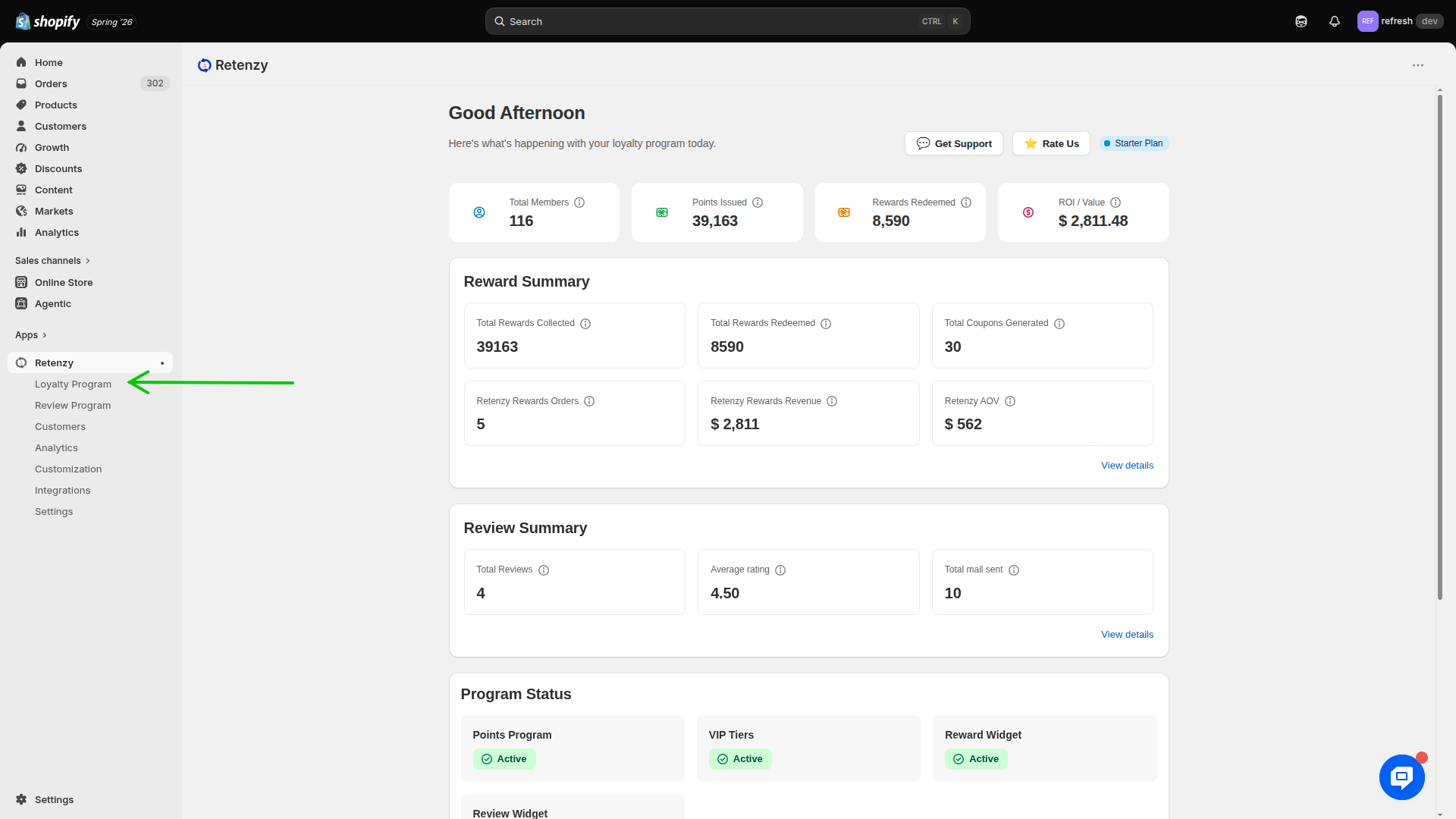
Step 2: Open the VIP Program
- From the Loyalty Program section, click VIP.
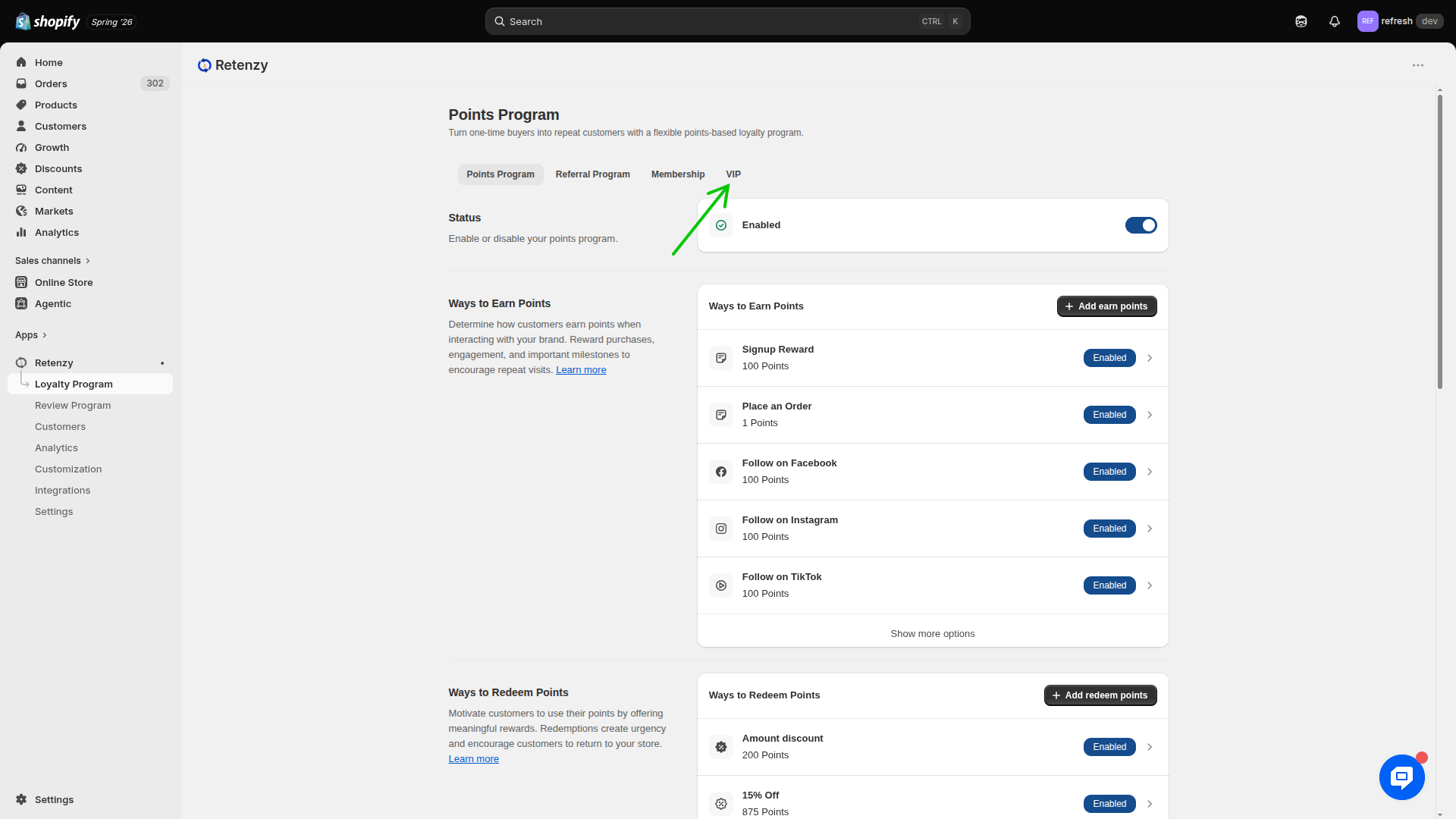
Step 3: Configure VIP Tier Settings
In the VIP Tier Settings section, configure the following details:
-
VIP Tier Program Name
Example: VIP
-
Start Date
Select the date from which the VIP program will begin.
Example: 12/08/2025
-
Milestone Type
Select how customers progress through VIP tiers.
Example: Total Spend
-
End Date
Set an end date for the VIP program.
Example: 1 year
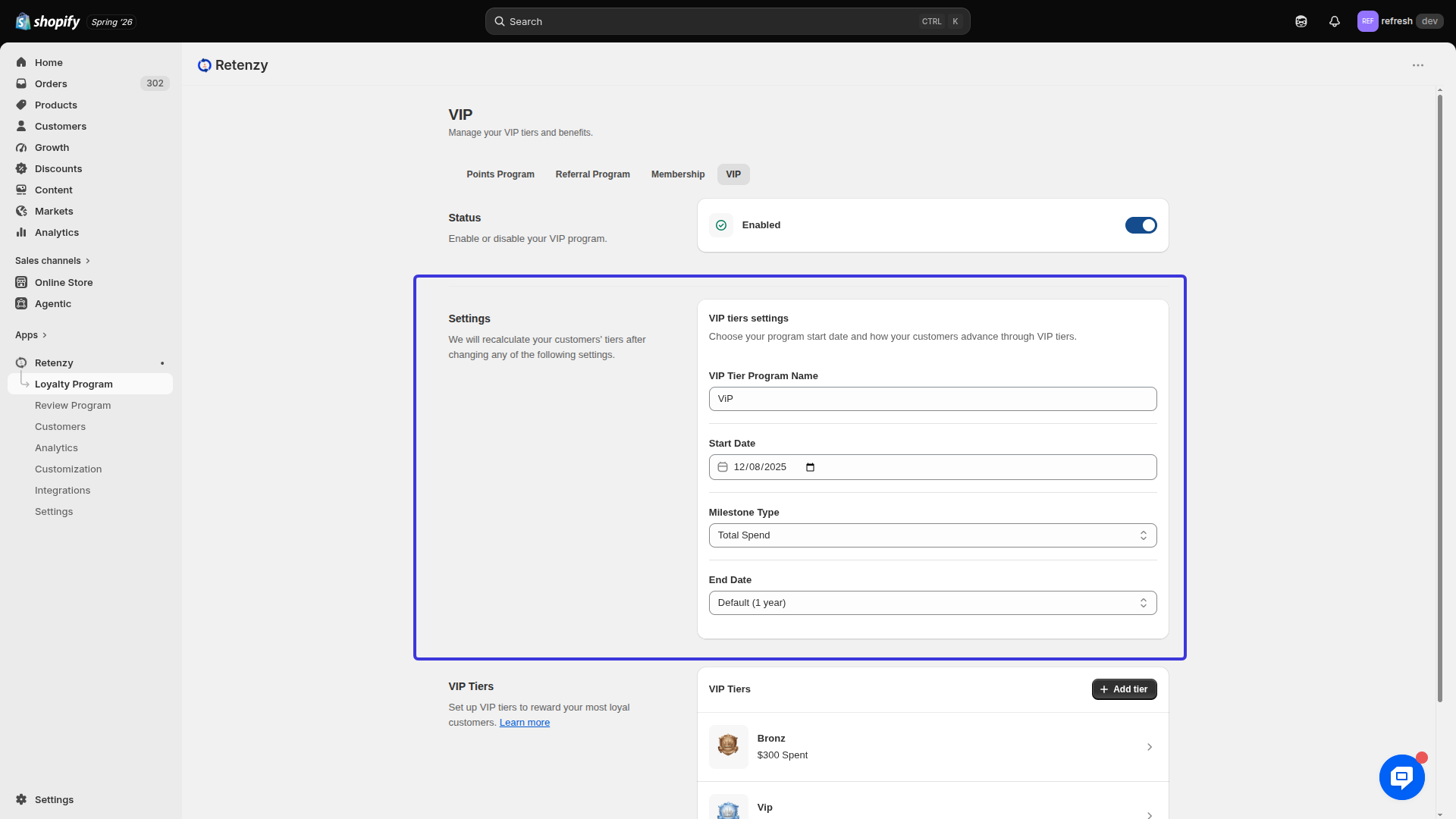
Step 4: Save the VIP Tier
- Review all the configured settings.
- Click Save to create the VIP tier.